5 Simple Tech Tools to Help You Launch Your First Product
(Even If You Still Call It “The Facebook” Sometimes)
Let’s be real – launching your first product online can feel terrifying.
Between the design tools, emails, and file links, it’s easy to feel like everyone else got a tech manual that you somehow missed.
But here’s the truth: you don’t need to know everything to start selling something.
You just need a handful of simple tools, the kind that take you from “I have an idea” to “I just made my first sale.”
Today, I’m sharing five of my favorite easy-to-use tools that will help you create, organize, and launch your first product… even if tech makes your eye twitch.
Step Zero: Know What You’re Launching
Before we get to the tools, let’s get you clear on what you’re selling.
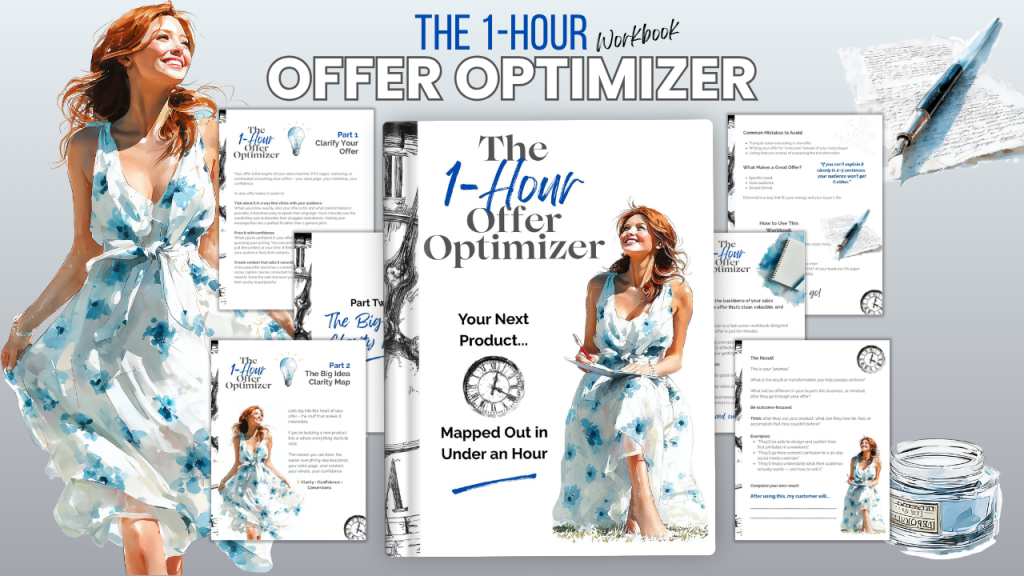
If you’re stuck for an idea, grab my free One Hour Offer Optimizer – it’s a quick guided workbook that helps you brainstorm, validate, and outline a simple product to sell (like a printable, a mini-course, or a digital planner).
You’ll walk away with a clear product plan ready to bring to life using the tools below.
Tool #1 Canva: Design Made Simple
You don’t need to be “creative” to design your product beautifully.
With Canva, you can drag, drop, and duplicate your way to professional designs in minutes.
How it helps your launch:
- Create your printable, e-book, or product mockups.
- Design your logo, cover image, or social media graphics.
- Use templates to speed up your workflow.
Pro tip: Once you’ve finished designing, use Canva’s “Share as template” feature to make your product editable for buyers (great for PLR or Canva template sellers).
Quick win: Create a simple product mockup graphic and post it on social media; it’s the easiest way to build buzz before launch day!
Tool #2 Trello: Your Visual Launch Dashboard
If your brain is one big swirl of to-dos, Trello will feel like a breath of fresh air.
It’s a digital bulletin board that helps you see your progress at a glance.
How it helps your launch:
- Organize your product creation steps: Idea → Draft → Design → Upload → Launch.
- Add checklists for tasks like “create images,” “set up delivery,” “write email.”
- Move tasks along as you complete them (so satisfying).
Pro tip: Create a “Launch Template” board so you can reuse it every time you create something new.
Quick win: Make your first three columns: To Do, Doing, Done.
Move one task today = instant dopamine hit.
Tool #3 Google Drive: Store Everything (and Never Lose a File Again)
Gone are the days of “FinalVersion_5_reallyFINAL_9.pdf.”
Google Drive keeps your projects safe, organized, and accessible from anywhere.
How it helps your launch:
- Store all your product files, templates, and marketing materials in one spot.
- Share links with customers or collaborators.
- Connect easily to Canva and Trello for smooth workflows.
Pro tip: Create folders by product name and subfolders for “Drafts,” “Marketing,” and “Final Files.”
Quick win: Make a new folder called “My First Product Launch”.
Tool #4 ChatGPT: Your Copywriting & Brainstorming Buddy
When you’re building your first product, words can be the hardest part: what to say, how to say it, and where to start.
That’s where ChatGPT can help.
How it helps your launch:
- Brainstorms product ideas or names.
- Writes descriptions, sales copy, or product instructions.
- Creates email sequences or social captions.
Pro tip: Treat AI like your creative partner, not your replacement.
Feed it your tone (“friendly, encouraging, and slightly cheeky”) and it’ll help you sound like you.
Quick win: Ask ChatGPT: “Write a friendly product description for a printable planner that helps moms stay organized.”
Then tweak it in your own voice – done!
Tool #4 Autoresponders: Your Connection Hub
You’ve created your product. Now it’s time to deliver it – automatically.
Email marketing tools like Kit or MailerLite make it simple to:
- Send your freebie or product instantly when someone signs up.
- Build relationships through automated welcome emails.
- Announce your launch with just a few clicks.
How it helps your launch:
- Turn visitors into customers (and customers into repeat buyers).
- Keep your audience engaged after their first purchase.
- Save time through simple automations — no coding needed.
Pro tip: Start with one simple sequence:
- “Welcome & Here’s Your Product!”
- “Quick Tip on Using It”
- “What’s Coming Next” (hint: your next product!)
Quick win: Use your One Hour Offer Optimizer as your freebie – it’s the perfect way to start growing your list while building trust.
Bonus: Combine Them for a Smooth Launch flow
Here’s how all five tools work together:
- Plan your offer – One Hour Offer Optimizer.
- Design in Canva.
- Organize tasks in Trello.
- Store files in Google Drive.
- Write copy with ChatGPT.
- Deliver and nurture with Kit/MailerLite.
That’s a full launch system: simple, visual, and stress-free.
The Real magic: Confidence Through Action
When you use tools that make sense, you don’t just save time, you build confidence.
The fear of tech fades as soon as you start creating, step by step.
You don’t need a 20-step funnel.
You don’t need to “go viral.
”You just need to start, and these five tools will carry you all the way to your first sale.
Ready to Launch?
If you’re nodding along thinking, “I could actually do this,” – good!
You can.
Grab your free One Hour Offer Optimizer and let’s turn your idea into your first digital product.
And when you’re ready for hands-on guidance setting up your tools, automations, and tech – keep an eye out for our upcoming Creators Gap Bridging the Gap Membership.
It’s where creators like you finally get the step-by-step support to build, automate, and sell without tech overwhelm.
Because you’re not behind.
You’re just one tool – and one offer – away from getting started.